
90-Day AWS Cloud Mastery Roadmap: Transform From Beginner to Job-Ready Professional
Starting a career in cloud computing feels overwhelming when you see job postings asking for years of experience with dozens of AWS services. The good news? With the right roadmap and dedicated daily practice, you can build job-ready AWS skills in just three months. This comprehensive guide breaks down exactly what to learn each day, ensuring you progress from absolute beginner to confident cloud professional.
At Frontlines Edutech, thousands of students have successfully transitioned into high-paying cloud roles by following structured learning paths taught by industry experts who understand what companies actually need. This roadmap mirrors the proven curriculum that has helped non-IT graduates land positions at companies like Infosys, TCS, Accenture, Wipro, and Cognizant.
1. AWS Learning Journey in 2025 ?
Understanding the AWS Learning Journey
AWS offers over 200 services, but DevOps professionals typically work with 15-20 core services daily. The challenge isn’t learning everything—it’s learning the right things in the right order. This roadmap focuses on the essential AWS services that appear in 90% of job descriptions: EC2, VPC, S3, IAM, RDS, ELB, and container services like ECS and EKS.
The AWS certification path progresses through four levels: Foundational, Associate, Professional, and Specialty. Most employers expect at least the AWS Certified Solutions Architect Associate or AWS Certified DevOps Engineer certification for entry-level positions. By the end of this 90-day journey, you’ll have hands-on experience with all services covered in these certifications.
💡 New to AWS?
Start with our Cloud Basics & AWS Fundamentals How-to Guides
2. Foundation Building (Days 1-30)

Week 1: Linux Operating System Fundamentals (Days 1-7)
Day 1: Linux Introduction & System Architecture
Start your cloud journey by understanding Linux, the operating system powering 90% of cloud servers. Install Ubuntu on VirtualBox or WSL2 for Windows users to create your practice environment. Learn about the Linux file system hierarchy, understanding where programs install (/usr/bin), where configuration files live (/etc), and where user data stays (/home).
Day 2: Essential System Commands
Master navigation commands that you’ll use hundreds of times daily: pwd (print working directory), ls (list files), cd (change directory), and mkdir (make directory). Practice creating folder structures that mimic real server setups like /var/www/html for web applications. Understanding these commands builds muscle memory essential for server management.
Day 3: File Operations & Permissions
Learn file manipulation commands: cp (copy), mv (move), rm (remove), and touch (create empty files). Dive deep into Linux permissions using chmod and chown commands, understanding how read (r), write (w), and execute (x) permissions protect sensitive files. This knowledge prevents security vulnerabilities in cloud deployments.
Day 4: User Management & Security
Practice creating users with useradd, managing passwords with passwd, and controlling user groups with usermod commands. Learn sudo privileges and how to grant specific users administrative access without full root control. These skills directly translate to IAM management in AWS.
Day 5: Text Editors & File Searching
Master VIM editor basics—insert mode (i), command mode (Esc), save and quit (:wq), and force quit without saving (:q!). Learn grep for searching file contents, find for locating files by name, and sed for text manipulation. DevOps engineers spend significant time editing configuration files, making VIM proficiency invaluable.
Day 6: Network Commands & Troubleshooting
Understand networking fundamentals with ping (test connectivity), netstat (view active connections), curl (test APIs), wget (download files), and ssh (remote server access). Practice connecting to remote servers using SSH keys instead of passwords. These commands help diagnose production issues quickly.
Day 7: Introduction to Shell Scripting
Write your first Bash script to automate repetitive tasks. Start with simple scripts that create backups, check server health, or restart services automatically. Learn variables, conditionals (if-else), and loops (for, while) to add logic to your automation. Shell scripting differentiates manual workers from automation engineers.
Weekly Mini-Project: Create a shell script that monitors disk usage and sends alerts when storage exceeds 80%. This practical exercise combines file operations, system commands, and scripting logic.
Week 2: AWS Cloud Fundamentals (Days 8-14)
Day 8: Cloud Computing Concepts & AWS Account Setup
Understand cloud computing models: Infrastructure as a Service (IaaS), Platform as a Service (PaaS), and Software as a Service (SaaS). Learn why companies migrate to cloud—scalability, cost reduction, global reach, and disaster recovery. Create your AWS Free Tier account, set up billing alerts at $5, $10, and $20 to avoid unexpected charges.
Day 9: Identity & Access Management (IAM) Mastery
IAM controls who accesses your AWS resources and what they can do. Create IAM users for different team members, IAM groups for departments (developers, testers, admins), and IAM roles for services to communicate securely. Practice the principle of least privilege—granting only necessary permissions.
Day 10: Amazon EC2 – Virtual Servers in Cloud
Launch your first EC2 instance (virtual server) running Amazon Linux or Ubuntu. Understand instance types: t2.micro for testing, t3.medium for small applications, and m5.large for production workloads. Connect to your instance using SSH, install Apache web server, and host a simple HTML page.
Day 11: Elastic Block Storage (EBS) & Instance Storage
Learn the difference between root volumes (boot drives) and additional EBS volumes for data storage. Create EBS volumes, attach them to running instances, format them with filesystem, and mount them to directories. Practice taking EBS snapshots for backups and creating volumes from snapshots for disaster recovery.
Day 12: Amazon S3 – Object Storage Service
S3 stores files (called objects) in containers (called buckets). Create buckets with proper naming conventions, upload files using console and AWS CLI, and configure bucket policies for access control. Learn S3 storage classes: Standard for frequently accessed data, Infrequent Access for backups, and Glacier for long-term archives.
Day 13: Virtual Private Cloud (VPC) Fundamentals
VPC creates isolated network environments in AWS cloud. Understand CIDR notation (10.0.0.0/16 provides 65,536 IP addresses), create public subnets (internet-accessible) and private subnets (internal only). Configure Internet Gateways for public internet access and NAT Gateways for private subnet outbound connectivity.
Day 14: Security Groups & Network ACLs
Security Groups act as virtual firewalls controlling inbound and outbound traffic to instances. Create security group rules allowing SSH (port 22) from your IP, HTTP (port 80) from anywhere, and MySQL (port 3306) only from application servers. Learn how Network ACLs provide subnet-level security as an additional defense layer.
Weekly Mini-Project: Deploy a two-tier architecture with a web server in a public subnet and a database server in a private subnet, connected through proper security group rules. This replicates real-world production setups.
📘 Download Linux commands, practice sheets & beginner assignments.
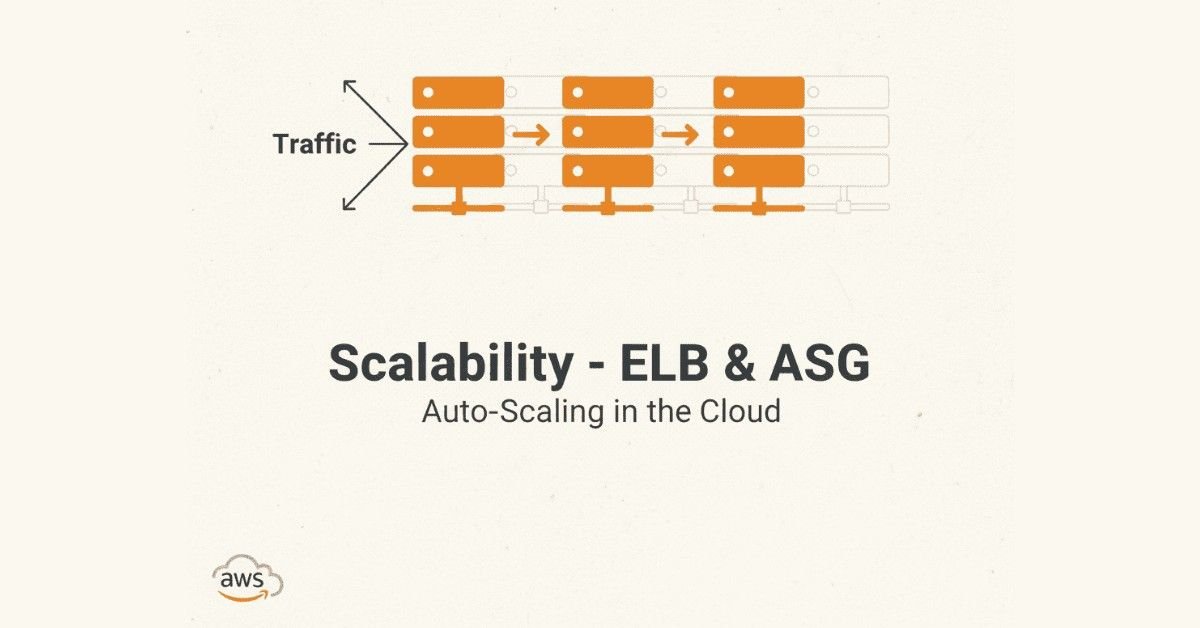
🔥 Master core AWS services — practice with 50+ real interview questions.
Week 2: AWS Cloud Fundamentals (Days 8-14)
Day 8: Cloud Computing Concepts & AWS Account Setup
Understand cloud computing models: Infrastructure as a Service (IaaS), Platform as a Service (PaaS), and Software as a Service (SaaS). Learn why companies migrate to cloud—scalability, cost reduction, global reach, and disaster recovery. Create your AWS Free Tier account, set up billing alerts at $5, $10, and $20 to avoid unexpected charges.
Day 9: Identity & Access Management (IAM) Mastery
IAM controls who accesses your AWS resources and what they can do. Create IAM users for different team members, IAM groups for departments (developers, testers, admins), and IAM roles for services to communicate securely. Practice the principle of least privilege—granting only necessary permissions.
Day 10: Amazon EC2 – Virtual Servers in Cloud
Launch your first EC2 instance (virtual server) running Amazon Linux or Ubuntu. Understand instance types: t2.micro for testing, t3.medium for small applications, and m5.large for production workloads. Connect to your instance using SSH, install Apache web server, and host a simple HTML page.
Day 11: Elastic Block Storage (EBS) & Instance Storage
Learn the difference between root volumes (boot drives) and additional EBS volumes for data storage. Create EBS volumes, attach them to running instances, format them with filesystem, and mount them to directories. Practice taking EBS snapshots for backups and creating volumes from snapshots for disaster recovery.
Day 12: Amazon S3 – Object Storage Service
S3 stores files (called objects) in containers (called buckets). Create buckets with proper naming conventions, upload files using console and AWS CLI, and configure bucket policies for access control. Learn S3 storage classes: Standard for frequently accessed data, Infrequent Access for backups, and Glacier for long-term archives.
Day 13: Virtual Private Cloud (VPC) Fundamentals
VPC creates isolated network environments in AWS cloud. Understand CIDR notation (10.0.0.0/16 provides 65,536 IP addresses), create public subnets (internet-accessible) and private subnets (internal only). Configure Internet Gateways for public internet access and NAT Gateways for private subnet outbound connectivity.
Day 14: Security Groups & Network ACLs
Security Groups act as virtual firewalls controlling inbound and outbound traffic to instances. Create security group rules allowing SSH (port 22) from your IP, HTTP (port 80) from anywhere, and MySQL (port 3306) only from application servers. Learn how Network ACLs provide subnet-level security as an additional defense layer.
Weekly Mini-Project: Deploy a two-tier architecture with a web server in a public subnet and a database server in a private subnet, connected through proper security group rules. This replicates real-world production setups.
Week 3: Core AWS Services (Days 15-21)
Day 15: Elastic Load Balancer (ELB) for High Availability
Load balancers distribute incoming traffic across multiple servers, preventing any single server from becoming overwhelmed. Create an Application Load Balancer (ALB) for HTTP/HTTPS traffic, configure target groups with health checks, and register multiple EC2 instances. Test how traffic automatically routes away from unhealthy instances.
Day 16: Auto Scaling Groups (ASG) for Elasticity
Auto Scaling automatically adjusts server count based on demand. Create launch templates defining instance configuration, set minimum (2 instances), desired (3 instances), and maximum (10 instances) capacity. Configure scaling policies triggering when CPU exceeds 70% or network traffic spikes.
Day 17: Amazon RDS – Managed Database Service
RDS handles database administration tasks like backups, patching, and replication. Launch MySQL or PostgreSQL databases with Multi-AZ deployment for automatic failover. Practice connecting applications to RDS using endpoint URLs and securing databases in private subnets.
Day 18: Elastic File System (EFS) for Shared Storage
EFS provides scalable file storage accessible from multiple EC2 instances simultaneously. Create EFS file systems, mount them to Linux instances, and test concurrent read/write operations from different servers. Compare EFS (shared storage) versus EBS (single-instance storage) use cases.
Day 19: Amazon Route 53 – DNS Service
Route 53 translates domain names (www.example.com) into IP addresses. Register domains, create hosted zones, and configure record types: A records (IPv4 addresses), CNAME records (aliases), and MX records (email servers). Practice routing policies like weighted routing (gradual deployments) and geolocation routing (region-specific content).
Day 20: Amazon CloudWatch – Monitoring & Logging
CloudWatch collects metrics, logs, and events from AWS services. Set up dashboards displaying CPU utilization, network traffic, and disk I/O metrics. Create alarms that send SNS notifications when thresholds breach. Configure CloudWatch Logs to centralize application logs from multiple servers.
Day 21: Amazon SNS – Notification Service
Simple Notification Service sends alerts via email, SMS, or application notifications. Create SNS topics for different alert types (critical errors, billing warnings, security notifications), subscribe team members, and integrate with CloudWatch alarms. Test notification delivery when resources reach defined thresholds.
Weekly Mini-Project: Build a production-grade web application infrastructure with Auto Scaling behind Load Balancer, RDS database in private subnet, CloudWatch monitoring with email alerts, and Route 53 domain configuration. This architecture demonstrates enterprise-level design skills.
📝 Build enterprise-grade AWS projects — access sample architectures & configs.
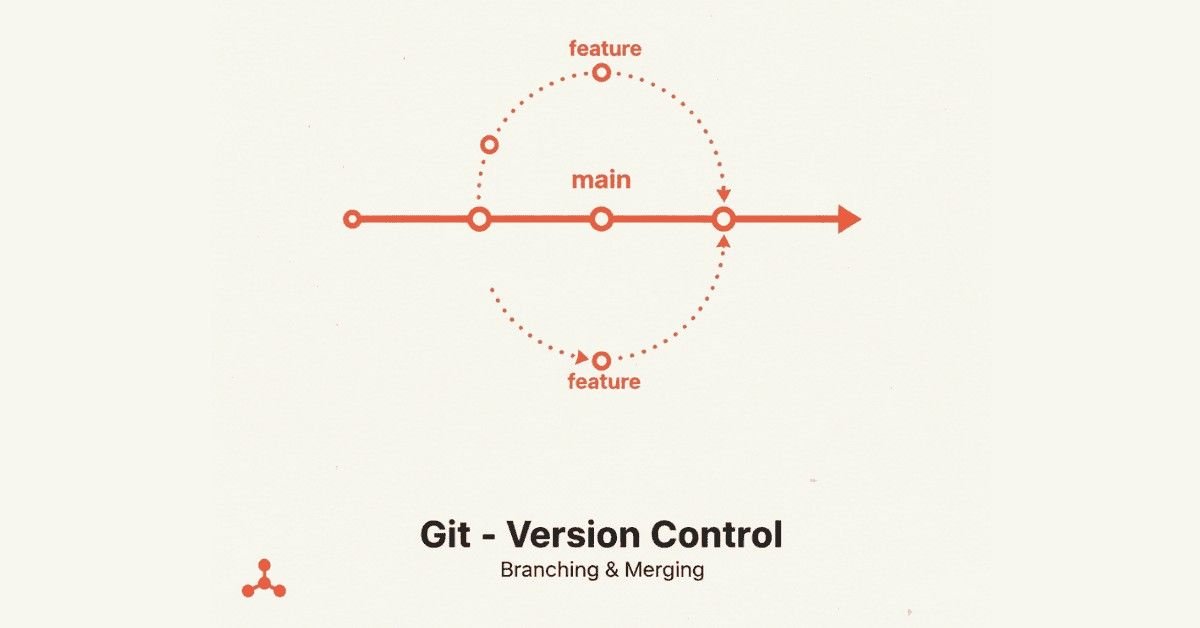
🤖 New to Git?
Follow our simple Git & GitHub How-to Guides for fast learning.
Week 4: Version Control & Collaboration (Days 22-30)
Day 22: Git Fundamentals & Version Control Concepts
Git tracks changes to code, enabling collaboration among multiple developers. Understand the three stages: Working Directory (untracked changes), Staging Area (changes marked for commit), and Repository (permanent history). Initialize repositories with git init, stage files with git add, and commit changes with git commit -m “message”.
Day 23: Git Branching Strategies
Branches allow parallel development without disrupting main codebase. Practice creating feature branches (git branch feature-login), switching branches (git checkout), and merging changes (git merge). Learn to resolve merge conflicts when multiple developers modify the same files.
Day 24: Advanced Git Operations
Master git stash for temporarily saving uncommitted work, git cherry-pick for applying specific commits to different branches, and git revert for safely undoing changes. Understand git tags for marking release versions and git logs for reviewing commit history. These advanced operations handle complex real-world scenarios.
Day 25: GitHub – Remote Repository Management
GitHub hosts Git repositories in the cloud, enabling team collaboration. Create repositories, generate personal access tokens for authentication, and push local repositories to GitHub (git push origin main). Configure .gitignore files to exclude sensitive data like passwords and API keys.
Day 26: GitHub Pull Requests & Code Reviews
Pull requests formalize the code review process before merging changes. Fork repositories, make changes in branches, create pull requests with detailed descriptions, and review others’ code providing constructive feedback. This workflow mirrors professional development teams.
Day 27: GitHub Actions & Automation
GitHub Actions automate workflows triggered by events like code pushes or pull requests. Create simple workflows running tests automatically, checking code quality, and deploying applications when changes merge to main branch. This introduces CI/CD concepts covered deeply next month.
Day 28: Bitbucket Basics & Enterprise Git
Learn Bitbucket as an alternative to GitHub, understanding project organization, repository permissions, and branch restrictions. Many enterprises prefer Bitbucket for tighter Jira integration and fine-grained access controls. Practice working with both platforms to increase job flexibility.
Day 29: Branching Strategies – GitFlow & Trunk-Based
Study GitFlow strategy with main, develop, feature, release, and hotfix branches for large teams. Compare with Trunk-Based Development using short-lived feature branches for faster deployment cycles. Understanding different strategies helps you adapt to various company workflows.
Day 30: Month 1 Capstone Project & Assessment
Build a complete project: Create a web application stored in GitHub, deploy it on EC2 with proper VPC configuration, use S3 for static assets, RDS for database, and implement Auto Scaling with Load Balancer. Document your infrastructure with architecture diagrams and README files. This portfolio project demonstrates comprehensive foundational skills to potential employers.
Profile Optimization Checkpoint: Update your LinkedIn profile with newly acquired skills—Linux, AWS Core Services (EC2, S3, VPC, RDS, ELB, ASG), and Git/GitHub. Add your capstone project to your LinkedIn featured section with screenshots and GitHub repository link. [Download our complete LinkedIn Profile Building Guide for cloud professionals at Frontlines Edutech]
3. DevOps Automation & Containerization (Days 31-60)
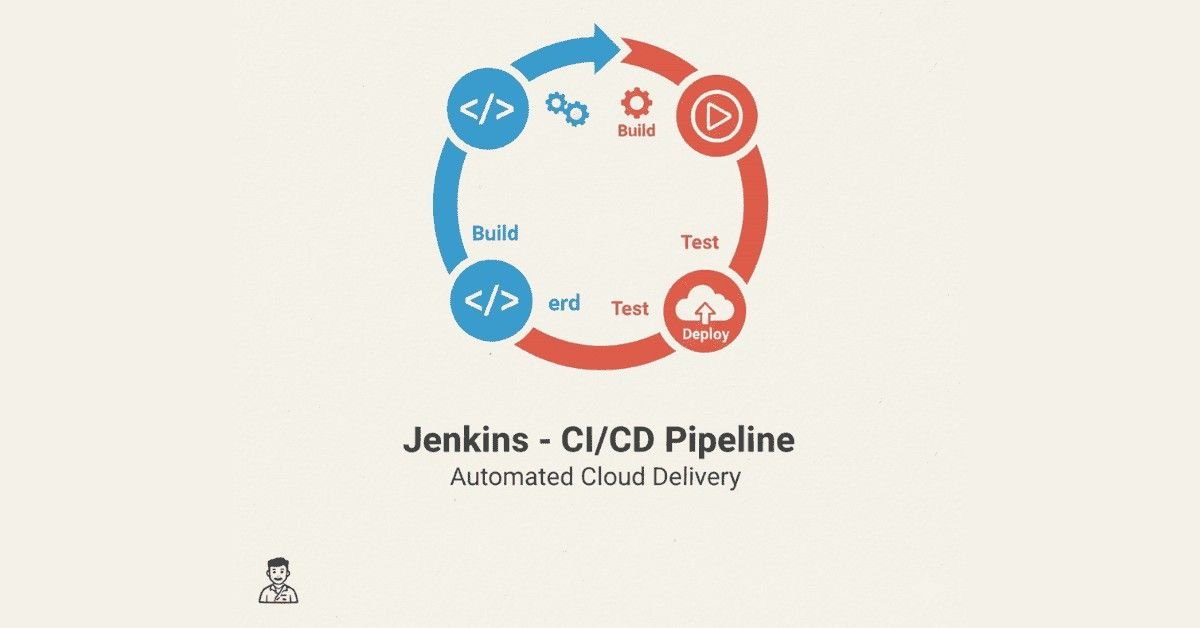
🎓 Become job-ready — join our AWS DevOps Mastery Course with real projects
Week 5: Build Automation with Maven & Jenkins CI/CD (Days 31-37)
Day 31: Maven Introduction & Build Tool Fundamentals
Maven automates the software building process, managing dependencies and compiling code into deployable packages. Install Maven on your Linux system, understand the Project Object Model (pom.xml) that defines project configurations, and learn about Maven goals like clean (remove old builds), compile (convert code to bytecode), test (run unit tests), and package (create JAR/WAR files). Practice building a simple Java application to generate executable JAR files automatically.
Day 32: Maven Build Lifecycle & Directory Structure
Maven follows standardized directory structures where source code lives in src/main/java, tests in src/test/java, and resources in src/main/resources. Understand the three build lifecycles: default (handles project deployment), clean (project cleaning), and site (project documentation creation). Configure dependencies in pom.xml to automatically download libraries from Maven Central Repository instead of manual management.
Day 33: Jenkins Installation & Continuous Integration Basics
Jenkins automates repetitive development tasks like building, testing, and deploying code. Install Jenkins on AWS EC2 instance, configure Java prerequisites, and access the Jenkins dashboard through browser at port 8080. Understand Continuous Integration (building and testing code with every commit), Continuous Delivery (code always ready for deployment), and Continuous Deployment (automatic production releases).
Day 34: Jenkins Freestyle Jobs & Git Integration
Create your first Jenkins Freestyle job that pulls code from GitHub repository, builds it using Maven, and displays console output. Configure source code management by adding GitHub repository URLs and credentials, set build triggers to run jobs when developers push new code. Integrate Git with Jenkins by installing Git plugin and configuring webhook notifications for automatic builds.
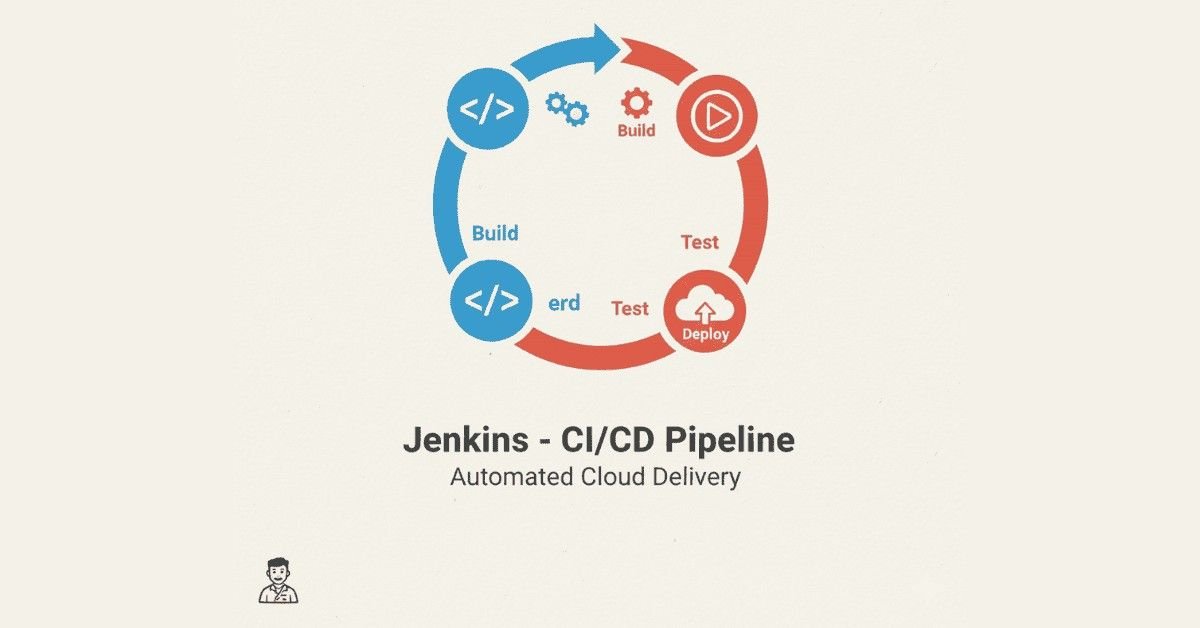
Day 35: Jenkins Pipeline as Code
Pipelines define entire build processes as code stored in Jenkinsfiles alongside application code. Learn Declarative Pipeline syntax with stages (Build, Test, Deploy) and steps within each stage. Create multi-stage pipelines that checkout code, compile with Maven, run unit tests, generate reports, and archive artifacts. Pipeline as Code enables version control for CI/CD processes themselves.
Day 36: Jenkins Advanced Features – Parameters & Triggers
Add build parameters allowing users to customize job execution: choice parameters (select from dropdown), string parameters (text input), and file parameters (upload files). Configure build triggers including Poll SCM (check Git every few minutes), webhook triggers (instant notifications from GitHub), and cron syntax (scheduled builds like nightly builds at 2 AM). Set up upstream/downstream relationships where successful completion of one job automatically triggers another.
Day 37: Jenkins Master-Slave Architecture & Plugin Management
Scale Jenkins by distributing builds across multiple machines. Configure Jenkins Master (coordinates jobs) and Jenkins Slaves/Agents (execute builds on different operating systems or environments). Install essential plugins: Git Plugin (version control), Maven Integration Plugin (build automation), Email Extension Plugin (notifications), and Docker Pipeline Plugin (containerization). Practice running parallel builds on different agents to reduce overall build time.
Weekly Mini-Project: Build a complete CI/CD pipeline that pulls Java application from GitHub, builds with Maven, runs unit tests, generates code quality reports, and deploys successful builds to AWS EC2 instances automatically. This demonstrates end-to-end automation skills sought by employers.
📘 Download Docker practice labs, Compose files & image templates.
Week 6: Docker Containerization Mastery (Days 38-44)
Day 38: Docker Fundamentals & Container Architecture
Containers package applications with all dependencies, ensuring consistent behavior across different environments. Understand Docker architecture: Docker Client (command interface), Docker Daemon (background service managing containers), Docker Images (application blueprints), and Docker Containers (running instances). Learn how containers differ from virtual machines—containers share host OS kernel making them lightweight and fast to start.
Day 39: Working with Docker Images & Containers
Pull images from Docker Hub using docker pull ubuntu:latest, run containers with docker run -it ubuntu bash for interactive sessions. Master essential commands: docker ps (list running containers), docker stop (graceful shutdown), docker kill (force stop), docker rm (remove containers), and docker images (list available images). Understand container lifecycle from creation through running to stopped states.
Day 40: Creating Custom Docker Images with Dockerfiles
Dockerfiles define instructions to build custom images layer by layer. Learn Dockerfile instructions: FROM (base image), RUN (execute commands during build), COPY (add files from host), ADD (copy with URL/archive support), CMD (default container command), ENTRYPOINT (fixed executable), EXPOSE (document ports), and ENV (environment variables). Build images using docker build -t myapp:1.0 and push to Docker Hub for sharing.
Day 41: Docker Volumes & Data Persistence
Containers are ephemeral—data disappears when containers stop unless stored in volumes. Create named volumes with docker volume create mydata, mount volumes to containers using -v flag, and share data between multiple containers. Practice host-to-container volume mounting to persist database data, configuration files, and application logs beyond container lifetime.
Day 42: Docker Networking & Port Mapping
Docker networking enables container communication and external access. Understand network types: Bridge (default isolated network), Host (share host networking), and None (no networking). Map container ports to host ports using -p 8080:80 (host:container) allowing external traffic to reach containerized applications. Create custom networks connecting related containers like web servers and databases securely.
Day 43: Docker Compose for Multi-Container Applications
Docker Compose manages applications with multiple interconnected containers using YAML configuration files. Define services (web, database, cache), networks, and volumes in docker-compose.yml files. Use commands: docker-compose up (start all services), docker-compose down (stop and remove), docker-compose scale web=3 (run multiple container instances), and docker-compose logs (view outputs). This simplifies development environments matching production architectures.
Day 44: Advanced Docker – Multi-Stage Builds & Registry Management
Multi-stage builds create smaller production images by separating build and runtime dependencies. Use multiple FROM statements in Dockerfiles, copy only necessary artifacts from build stages to final images. Push images to Docker Hub (public registry) and AWS ECR (Elastic Container Registry) for private enterprise use. Implement image tagging strategies using semantic versioning (v1.0.0, v1.0.1) for proper version management.
Weekly Mini-Project: Containerize your three-tier application (React frontend, Node.js backend, MongoDB database) using Docker Compose, implement volume persistence for database data, configure networking between containers, and push images to Docker Hub. This project showcases practical containerization skills for modern applications.
Week 7: Kubernetes Container Orchestration (Days 45-51)
Day 45: Kubernetes Architecture & Core Concepts
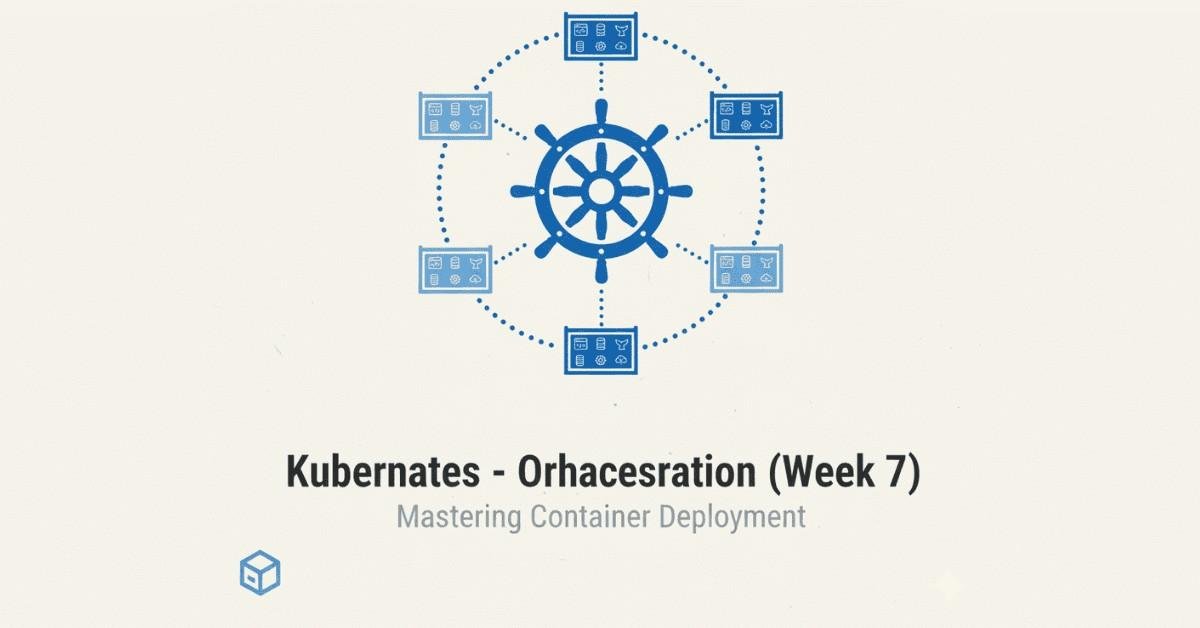
Kubernetes orchestrates containers across multiple machines, handling scaling, self-healing, and deployment automation. Understand Master Node components: API Server (entry point for all commands), ETCD (cluster state database), Scheduler (assigns pods to nodes), and Controller Manager (maintains desired state). Learn Worker Node components: Kubelet (agent managing pods), Container Runtime (Docker or containerd), and Kube-Proxy (networking rules).
Day 46: Pods, ReplicaSets & Deployments
Pods are smallest deployable units containing one or more containers sharing storage and network. ReplicaSets ensure specified number of pod replicas run simultaneously for high availability. Deployments provide declarative updates, rolling deployments (gradual updates), and rollback capabilities when updates fail. Practice creating deployments with kubectl create deployment nginx –image=nginx:latest and scaling with kubectl scale deployment nginx –replicas=5.
Day 47: Kubernetes Services & Networking
Services expose pods to network traffic with stable IP addresses and DNS names. ClusterIP (internal cluster communication), NodePort (exposes service on each node’s port), and LoadBalancer (cloud provider load balancer integration) serve different access patterns. Understand Ingress controllers managing external HTTP/HTTPS access with routing rules based on hostnames and paths.
Day 48: ConfigMaps, Secrets & Environment Management
ConfigMaps store non-confidential configuration data as key-value pairs separate from container images. Secrets store sensitive information like passwords, tokens, and SSH keys encoded in base64 format. Mount ConfigMaps and Secrets as volumes or environment variables in pods, enabling configuration changes without rebuilding images. This separation implements twelve-factor app methodology for cloud-native applications.
Day 49: Kubernetes Persistent Volumes & StatefulSets
PersistentVolumes (PV) represent cluster storage resources while PersistentVolumeClaims (PVC) request storage from PVs. StatefulSets manage stateful applications requiring stable network identities and persistent storage like databases. Understand differences between StatefulSets (ordered pod creation/deletion) and Deployments (interchangeable pods). Practice deploying MySQL with StatefulSet and PersistentVolume for data persistence.
Day 50: Horizontal Pod Autoscaling & Resource Management
HPA automatically scales pod replicas based on CPU utilization, memory usage, or custom metrics. Define resource requests (guaranteed minimum) and limits (maximum allowed) for containers preventing resource starvation. Configure HPA with kubectl autoscale deployment myapp –cpu-percent=70 –min=2 –max=10 automatically adjusting capacity during traffic spikes.
Day 51: Kubernetes on AWS – EKS Service Introduction
Amazon Elastic Kubernetes Service (EKS) provides managed Kubernetes control plane. Create EKS clusters using AWS Console or eksctl command-line tool, configure node groups for worker nodes, and integrate with other AWS services like ELB, ECR, and IAM. Deploy applications on EKS identical to local Kubernetes but with AWS scalability and reliability. This hands-on experience with managed Kubernetes prepares you for enterprise environments.
Weekly Mini-Project: Deploy your containerized three-tier application on local Kubernetes cluster (Minikube), create deployments for each tier, expose services with appropriate types, implement ConfigMaps for configuration, and set up Horizontal Pod Autoscaling. Document your YAML manifests and architecture diagram demonstrating Kubernetes proficiency.
🧭 Learn Kubernetes step-by-step — explore our K8s How-to Guides.
Week 8: Infrastructure as Code & Configuration Management (Days 52-60)
Day 52: Terraform Fundamentals & HCL Language
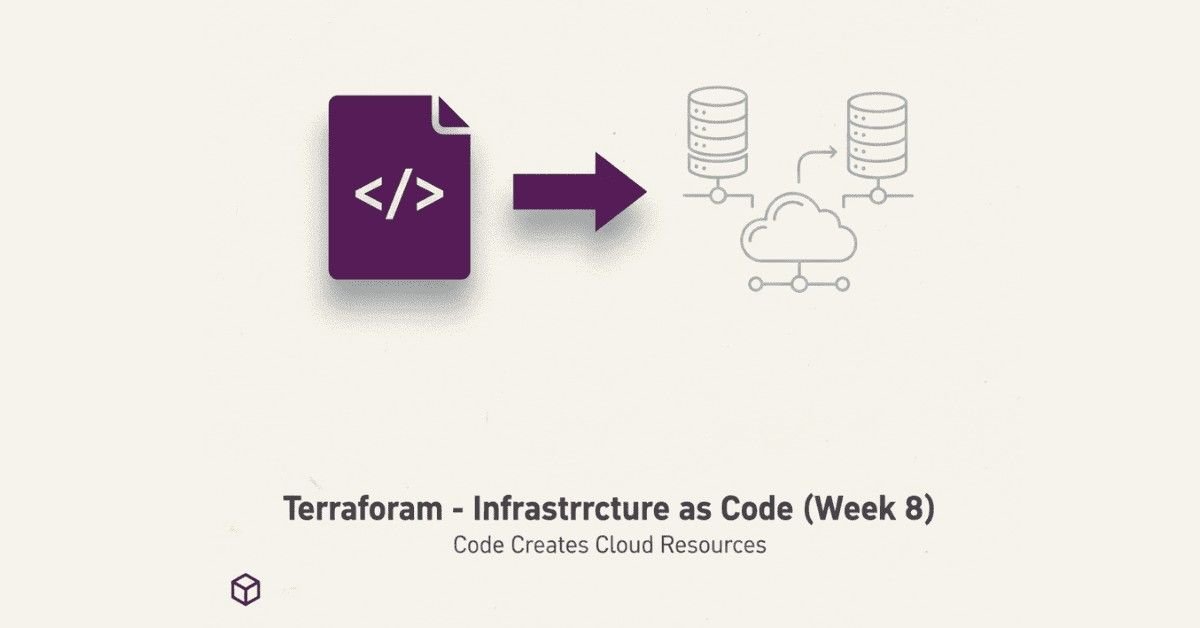
Terraform enables infrastructure provisioning through declarative code stored in version control. Install Terraform, create main.tf files defining desired infrastructure state, and understand HashiCorp Configuration Language (HCL) syntax. Learn the Terraform workflow: terraform init (initialize working directory), terraform plan (preview changes), terraform apply (create infrastructure), and terraform destroy (remove resources).
Day 53: Terraform Providers & AWS Resource Creation
Providers enable Terraform to interact with cloud platforms like AWS, Azure, and GCP. Configure AWS provider with credentials, create EC2 instances, security groups, VPCs, and S3 buckets using Terraform resources. Practice declaring multiple resources with dependencies (security group before EC2 instance) and understanding implicit ordering.
Day 54: Terraform Variables, Outputs & State Management
Variables make Terraform code reusable across environments (dev, staging, production). Define variables with types (string, number, list, map), provide defaults, and reference them using var.variable_name syntax. Configure remote state storage in S3 with DynamoDB locking preventing concurrent modifications. Outputs expose information like public IP addresses or DNS names after infrastructure creation.
Day 55: Terraform Modules & Workspaces
Modules encapsulate reusable infrastructure components like VPC setup, database configurations, or networking patterns. Create module directories with variables.tf, main.tf, and outputs.tf files, then reference modules from root configurations. Workspaces manage multiple infrastructure instances from single codebase (development workspace, production workspace) with isolated state files.
Day 56: Ansible Introduction & Configuration Management
Ansible automates server configuration, application deployment, and task orchestration without requiring agents on target machines. Install Ansible, create inventory files listing managed servers, and write playbooks in YAML describing desired configurations. Understand idempotency—running playbooks multiple times produces same result without unintended side effects.
Day 57: Ansible Modules, Playbooks & Handlers
Ansible modules perform specific tasks: yum/apt (package management), service (start/stop services), copy (transfer files), shell (execute commands), and user (manage users). Playbooks orchestrate multiple tasks with plays targeting different host groups. Handlers respond to task changes (restart web server only when configuration file changes).
Day 58: Ansible Roles & Advanced Automation
Roles organize playbooks into reusable structures with standardized directory layouts. Create roles for common patterns like web server setup, database installation, or monitoring agent deployment. Use Ansible Vault to encrypt sensitive data like passwords and API keys within playbooks. Implement loops for repetitive tasks and conditionals for environment-specific configurations.
Day 59: Integrating Terraform with Ansible
Combine Terraform’s infrastructure provisioning with Ansible’s configuration management. Use Terraform to create AWS infrastructure, output IP addresses, and automatically generate Ansible inventory files. Create Jenkins pipelines executing Terraform for infrastructure creation followed by Ansible playbooks for application deployment.
Day 60: Month 2 Capstone – Complete CI/CD with IaC
Build comprehensive automation: Use Terraform to provision AWS infrastructure (VPC, EC2, RDS, ELB), configure servers with Ansible playbooks, containerize applications with Docker, deploy to Kubernetes cluster, and create Jenkins pipeline orchestrating entire workflow. This enterprise-grade project demonstrates mastery of core DevOps tools and methodologies.
Profile Optimization Checkpoint: Update LinkedIn with completed skills—Jenkins CI/CD, Docker Containerization, Kubernetes Orchestration, Terraform Infrastructure as Code, and Ansible Configuration Management. Share your capstone project on LinkedIn with architecture diagram, GitHub repository link, and technical write-up explaining implementation decisions. [Access our Interview Preparation Guide for DevOps roles at Frontlines Edutech covering behavioral and technical questions]
🧠 Master IaC faster with our ready-to-use Terraform & Ansible templates.
4. Advanced DevOps, Azure & Career Preparation (Days 61-90)
Week 9: Azure Cloud Platform (Days 61-67)
Day 61: Azure Fundamentals & Account Setup
Microsoft Azure provides cloud services competing with AWS across compute, storage, networking, and databases. Create Azure free tier account with $200 credits, navigate Azure Portal interface, understand resource groups for organizing related resources. Learn Azure regions and availability zones ensuring high availability and disaster recovery.
Day 62: Azure Virtual Machines & Virtual Networks
Launch Azure Virtual Machines equivalent to AWS EC2 instances, choosing sizes from B-series (burstable) to D-series (general purpose). Create Virtual Networks (VNets) similar to AWS VPCs, configure subnets, Network Security Groups (NSGs) for firewall rules, and VNet peering for inter-network communication. Practice setting up jump boxes (bastion hosts) for secure administrative access.
Day 63: Azure Storage Solutions
Azure Blob Storage stores unstructured data like images, videos, and backups similar to AWS S3. Azure Disk Storage provides persistent block storage for VMs, and Azure Files offers fully managed file shares accessible via SMB protocol. Configure storage accounts with different performance tiers (Standard HDD, Standard SSD, Premium SSD) and redundancy options (LRS, GRS, ZRS).
Day 64: Azure Container Services – ACI & AKS
Azure Container Instances (ACI) runs containers without managing servers, perfect for simple containerized applications and CI/CD build agents. Azure Kubernetes Service (AKS) provides managed Kubernetes clusters similar to AWS EKS. Deploy applications on AKS, integrate with Azure Container Registry (ACR) for private image storage, and configure Azure Load Balancers for traffic distribution.
Day 65: Azure DevOps Pipelines
Azure DevOps offers integrated tools for planning, developing, and deploying applications. Create build pipelines compiling code and running tests, release pipelines deploying to multiple environments with approval gates. Configure Azure Repos for Git version control, Azure Boards for project management, and Azure Artifacts for package management.
Day 66: Azure Active Directory & Identity Management
Azure Active Directory (Azure AD) manages user identities and access to cloud resources. Configure user accounts, groups, and role-based access control (RBAC) determining who can manage specific Azure resources. Implement multi-factor authentication (MFA) for enhanced security and service principals for application authentication.
Day 67: Multi-Cloud Strategy – AWS & Azure Integration
Organizations often use multiple cloud providers for redundancy, cost optimization, or specific service advantages. Practice hybrid cloud scenarios: Azure AD integrating with AWS IAM, cross-cloud networking with VPN connections, and multi-cloud monitoring with centralized logging. Build applications deployable on both AWS and Azure using Terraform’s multi-provider capabilities.
Weekly Mini-Project: Create identical three-tier application infrastructure on both AWS and Azure, demonstrating platform portability. Use Terraform modules supporting both providers, document architectural differences, and implement cost comparison analysis. This multi-cloud expertise significantly increases your market value.
Week 10: Monitoring, Security & Advanced DevOps (Days 68-74)
Day 68: Monitoring with Prometheus & Grafana
Prometheus collects time-series metrics from applications and infrastructure, storing them for querying and alerting. Install Prometheus on Kubernetes cluster, configure scrape targets collecting metrics from pods, and write PromQL queries analyzing performance trends. Integrate Grafana for visualizing metrics through customizable dashboards showing CPU usage, memory consumption, request rates, and error percentages.
Day 69: Centralized Logging with ELK Stack
Elasticsearch stores log data, Logstash processes and transforms logs, and Kibana provides search and visualization interface. Deploy ELK stack on Kubernetes, configure Filebeat or Fluentd shipping logs from application containers to Elasticsearch. Create Kibana dashboards identifying error patterns, analyzing user behavior, and troubleshooting production issues quickly.
Day 70: AWS CloudWatch & Azure Monitor Integration
CloudWatch collects metrics and logs from AWS services automatically. Create custom metrics from applications, set up alarms triggering Auto Scaling or SNS notifications, and use CloudWatch Insights querying logs with SQL-like syntax. Configure Azure Monitor equivalently for Azure resources, implementing unified monitoring across multi-cloud environments.
Day 71: DataDog for Comprehensive Monitoring
DataDog provides unified monitoring across cloud platforms, containers, and applications. Install DataDog agents on servers and containers, configure dashboards displaying infrastructure health, application performance, and business metrics in single pane of glass. Set up alert conditions notifying teams through Slack, PagerDuty, or email when anomalies occur.
Day 72: DevSecOps – Security Scanning & Vulnerability Management
Integrate security throughout development lifecycle rather than treating it as final checkpoint. Implement SonarQube analyzing code quality and security vulnerabilities during builds, Trivy scanning container images for known CVEs (Common Vulnerabilities and Exposures). Configure OWASP Dependency Check identifying vulnerable third-party libraries before production deployment.
Day 73: Kubernetes Security Best Practices
Implement Pod Security Policies restricting privileged containers and host access. Configure Network Policies controlling pod-to-pod communication, create RBAC roles limiting user permissions, and enable admission controllers validating resource specifications. Use tools like kube-bench auditing cluster configurations against CIS Kubernetes Benchmark security standards.
Day 74: AWS Security – IAM Policies, KMS & Secrets Management
Apply principle of least privilege through specific IAM policies granting only necessary permissions. Implement AWS Key Management Service (KMS) encrypting data at rest (EBS volumes, S3 objects, RDS databases). Use AWS Secrets Manager or Parameter Store securely storing and rotating database credentials, API keys, and certificates.
Weekly Mini-Project: Enhance previous projects with comprehensive monitoring, logging, and security: Deploy Prometheus and Grafana monitoring Kubernetes applications, implement ELK stack for centralized logging, scan containers with Trivy in CI/CD pipeline, and configure security best practices across AWS and Azure resources. This demonstrates production-ready DevOps capabilities.
Week 11: Advanced Tools & GitOps (Days 75-81)
Day 75: SonarQube Code Quality & Security Analysis
SonarQube performs static code analysis identifying bugs, code smells, and security vulnerabilities. Install SonarQube server, integrate with Jenkins pipelines running analysis after builds, and configure quality gates preventing deployment when code quality falls below thresholds. Review detailed reports showing code coverage, complexity metrics, and security hotspots requiring attention.
Day 76: Nexus Repository Manager for Artifacts
Nexus stores build artifacts (JAR files, Docker images, npm packages) centrally for teams. Configure Nexus repositories for different artifact types, integrate with Maven for dependency management, and publish Docker images to Nexus instead of Docker Hub for enterprise environments. Implement artifact lifecycle policies automatically deleting old versions.
Day 77: GitOps Principles & ArgoCD
GitOps uses Git repositories as single source of truth for declarative infrastructure and applications. Install ArgoCD on Kubernetes cluster, connect Git repositories containing Kubernetes manifests, and enable automatic synchronization deploying changes when manifests update. Implement promotion workflows where changes flow from development to staging to production environments.
Day 78: Docker Swarm vs Kubernetes Comparison
Docker Swarm provides simpler container orchestration integrated directly with Docker. Create Swarm clusters, deploy services with replicas, and configure overlay networks. Compare Swarm’s simplicity versus Kubernetes’ extensive features, understanding when each orchestrator suits different project requirements.
Day 79: Helm – Kubernetes Package Manager
Helm packages Kubernetes applications as charts containing templates and default values. Install Helm, create custom charts for your applications, and deploy complex applications (WordPress, MongoDB, Redis) with single commands. Use Helm repositories sharing charts across teams and manage application versions through chart versioning.
Day 80: Service Mesh with Istio Basics
Service meshes manage microservice communication handling traffic routing, security, and observability. Install Istio on Kubernetes, implement traffic splitting for canary deployments, configure mutual TLS for encrypted service-to-service communication. Monitor service mesh telemetry through Kiali dashboard visualizing microservice interactions.
Day 81: Serverless Computing – AWS Lambda & Azure Functions
Serverless platforms execute code without managing servers, charging only for actual execution time. Create AWS Lambda functions responding to events (S3 uploads, API Gateway requests, CloudWatch schedules). Deploy Azure Functions equivalently, understanding use cases like data processing, API backends, and scheduled tasks.
Weekly Mini-Project: Implement complete GitOps workflow with ArgoCD automatically deploying applications from Git commits, use Helm charts for packaging applications, integrate SonarQube quality gates in Jenkins pipeline, and store artifacts in Nexus repository. This advanced automation showcases senior-level DevOps skills.
🧩 Learn advanced DevOps workflows — explore in-depth How-to Guides.
Week 12-13: AWS Certification Prep & Job Readiness (Days 82-90)
Day 82-84: AWS Certification Focused Review
Prepare for AWS Certified Solutions Architect Associate or AWS Certified DevOps Engineer Professional certifications. Review all AWS services covered: EC2, VPC, S3, IAM, RDS, ELB, ASG, ECS, EKS, Lambda, CloudWatch, Route 53. Take practice exams identifying knowledge gaps, review AWS whitepapers on well-architected framework, and study common architectural patterns.
Day 85-86: Hands-On Labs & Real-World Scenarios
Practice AWS exam scenarios: Design highly available multi-tier applications, implement disaster recovery strategies, optimize costs through right-sizing instances and using Reserved Instances, and troubleshoot common production issues. Build complete environments from scratch without referring to documentation, demonstrating mastery rather than memorization.
Day 87: Building Your DevOps Portfolio
Create GitHub portfolio repository showcasing your best projects with detailed README files explaining architecture, technologies used, and problems solved. Include capstone projects from each month, document challenges faced and solutions implemented, and add architecture diagrams created with draw.io or Lucidchart. Your portfolio serves as tangible proof of skills beyond resume claims.
Day 88: Resume Building & Technical Documentation
Craft DevOps-focused resume highlighting skills acquired: Linux Administration, AWS/Azure Cloud Services, CI/CD with Jenkins, Docker/Kubernetes Containerization, Infrastructure as Code with Terraform, and Configuration Management with Ansible. Quantify achievements (reduced deployment time by 70%, managed infrastructure for 50+ microservices, automated 90% of manual processes). [Download our DevOps Resume Template and Writing Guide from Frontlines Edutech]
Day 89: LinkedIn Profile Optimization for DevOps Roles
Optimize LinkedIn profile for recruiter searches: Add certifications (AWS, Azure, Kubernetes), create compelling headline (“DevOps Engineer | AWS | Kubernetes | CI/CD Automation”), and write experience-rich summary . Request recommendations from colleagues or instructors, join DevOps LinkedIn groups, and engage with content from companies you target . Share your portfolio projects as LinkedIn articles demonstrating thought leadership . [Get our Complete LinkedIn Optimization Checklist for Tech Professionals at Frontlines Edutech]
Day 90: Interview Preparation & Mock Interviews
Practice common DevOps interview questions covering technical and behavioral aspects. Technical questions test knowledge: “Explain Docker vs Kubernetes”, “How does Load Balancer work?”, “Design CI/CD pipeline for microservices application”, “Troubleshoot failed deployment scenario”. Behavioral questions assess cultural fit: “Describe time you resolved production outage”, “How do you prioritize multiple urgent tasks?”, “Explain complex technical concept to non-technical stakeholder”. [Access our comprehensive DevOps Interview Preparation Guide with 200+ questions at Frontlines Edutech]
🧠 Access 200+ AWS + DevOps interview questions with answers.
5 .Job Platforms & Application Strategy
Where to Find DevOps Opportunities
Top Hiring Companies in India: Infosys, TCS, Accenture, Wipro, Cognizant, Capgemini, IBM, and KPMG actively recruit DevOps engineers with AWS skills. These companies value candidates with practical project experience over just certifications.
Prime Locations: Bangalore, Hyderabad, Pune, Mumbai, Chennai, Gurgaon, and Noida offer highest concentration of DevOps positions. Remote opportunities increasingly available allowing work from anywhere.
Job Portals to Leverage:
Naukri.com – Upload resume with keywords: AWS, Docker, Kubernetes, Jenkins, Terraform, Python, Linux. Set job alerts for “DevOps Engineer”, “Cloud Engineer”, “Site Reliability Engineer” titles receiving daily notifications.
LinkedIn Jobs – Apply with “Easy Apply” feature, directly message hiring managers, and leverage alumni networks from your college or Frontlines Edutech connecting with course graduates already placed.
AngelList – Target startups offering rapid learning opportunities and modern tech stacks, often more willing to hire freshers with strong project portfolios.
Company Career Pages – Directly apply on career pages of target companies bypassing applicant tracking systems, increase visibility by networking with employees who can refer you internally.
Referrals Strategy: Reach out to Frontlines Edutech alumni network requesting referrals at their companies. Referrals increase interview chances by 400% compared to direct applications, leverage this advantage systematically.
Why Choose Frontlines Edutech for Your AWS DevOps Journey
Industry-Standard Training from Experts
Frontlines Edutech bridges the gap between academic knowledge and industry requirements through hands-on, practical training designed by professionals working in top tech companies. Unlike theoretical courses, every concept includes real-world application ensuring you can implement solutions from day one of employment.
Comprehensive Support Beyond Course Completion
The learning journey doesn’t end at day 90. Frontlines Edutech provides resume building assistance, LinkedIn profile optimization, mock interview sessions with feedback, and placement support connecting you with hiring partners across India. Thousands of students have successfully transitioned from various backgrounds into high-paying cloud roles through this proven system.
Affordable & Transparent Pricing
Quality education shouldn’t create financial burden. Frontlines Edutech offers affordable course fees with transparent pricing, flexible payment options, and excellent value compared to expensive bootcamps charging lakhs while delivering less practical content.
Post-Training Resources & Community
Access on-demand video recordings for lifetime review, downloadable resources including cheat sheets and configuration templates, and active community of learners and alumni for networking and support. Daily assignments ensure consistent progress, while Q&A sessions with instructors clarify doubts preventing knowledge gaps.
Proven Track Record of Success
Frontlines Edutech has earned trust of thousands of learners across India, with graduates placed at Infosys, TCS, Accenture, Wipro, Cognizant, and other leading companies. Success-focused approach combines technical training with soft skills development, interview preparation, and corporate readiness ensuring you’re not just skilled but also employable.
6. Taking Action Today – Your Next Steps
This 90-day roadmap provides clear path from absolute beginner to job-ready AWS DevOps professional. Success requires commitment—one hour daily minimum, completing hands-on projects, and actively building portfolio throughout the journey.
Immediate Action Steps:
- Create AWS free tier account and set up billing alerts protecting against unexpected charges
- Install Linux (Ubuntu on VirtualBox or WSL2) establishing practice environment
- Set up GitHub account beginning your public coding portfolio
- Join DevOps communities on LinkedIn, Reddit, and Discord learning from experienced professionals
- Enroll in Frontlines Edutech’s comprehensive DevOps with Multi-Cloud (AWS + Azure) course receiving expert guidance, structured curriculum, and placement assistance
The cloud computing industry faces massive talent shortage with thousands of unfilled DevOps positions in India alone. Companies actively seek candidates with practical skills demonstrated through projects and certifications. This 90-day journey positions you perfectly to capture these opportunities, transforming your career trajectory and securing high-paying technology roles.
Don’t let another day pass watching opportunities go to others. Start your transformation today with this proven roadmap and the expert support of Frontlines Edutech guiding every step of your journey from student to successful DevOps professional.
Ready to begin your AWS DevOps transformation? Contact Frontlines Edutech at +91-83330 77727 or visit www.frontlinesedutech.com to enroll in our comprehensive DevOps with Multi-Cloud course today!
[Download Complete Resource Pack]
- 90-Day Daily Study Schedule Checklist
- AWS Services Comparison Chart
- DevOps Tools Decision Matrix
- Interview Question Bank (200+ Technical & Behavioral)
- Resume Templates for DevOps Roles
- LinkedIn Profile Optimization Guide
- Salary Negotiation Strategies for Cloud Roles
All available exclusively for Frontlines Edutech students at www.frontlinesedutech.com