
90-Day Workday HCM Roadmap: Beginner to Job-Ready
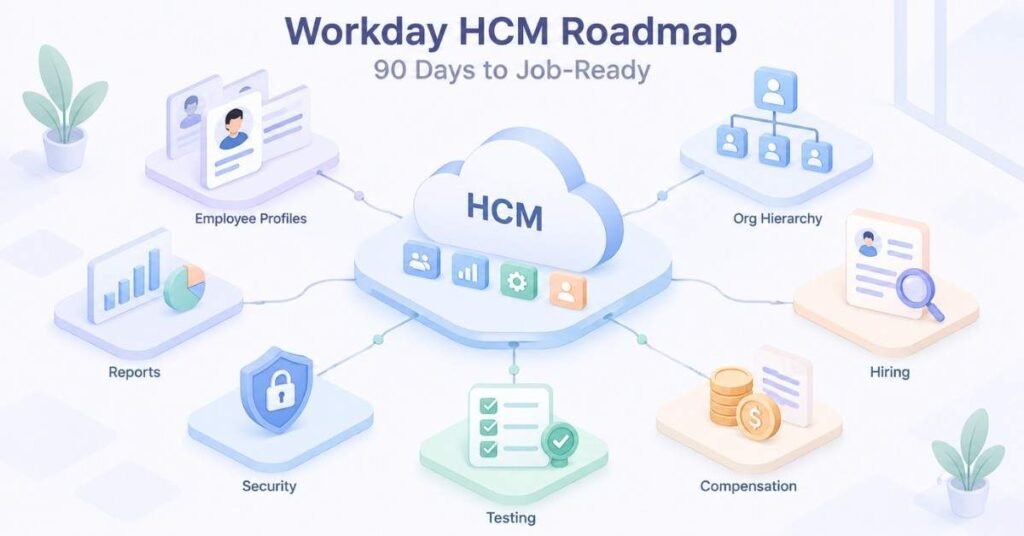
Table of Contents
Workday HCM is a cloud-based platform used to manage employee information and HR activities. It supports processes such as hiring, job changes, compensation, absence, reporting, and employee termination.
A Workday HCM professional should understand HR operations and how they are managed within the system. The role may involve collecting requirements, configuring business processes, creating reports, testing changes, and resolving functional issues.
A structured Workday HCM Course in Telugu can help learners understand these concepts through Telugu explanations and practical scenarios. Coding is not compulsory for functional roles, but learners should have logical thinking, communication and problem-solving skills.
What You Will Learn
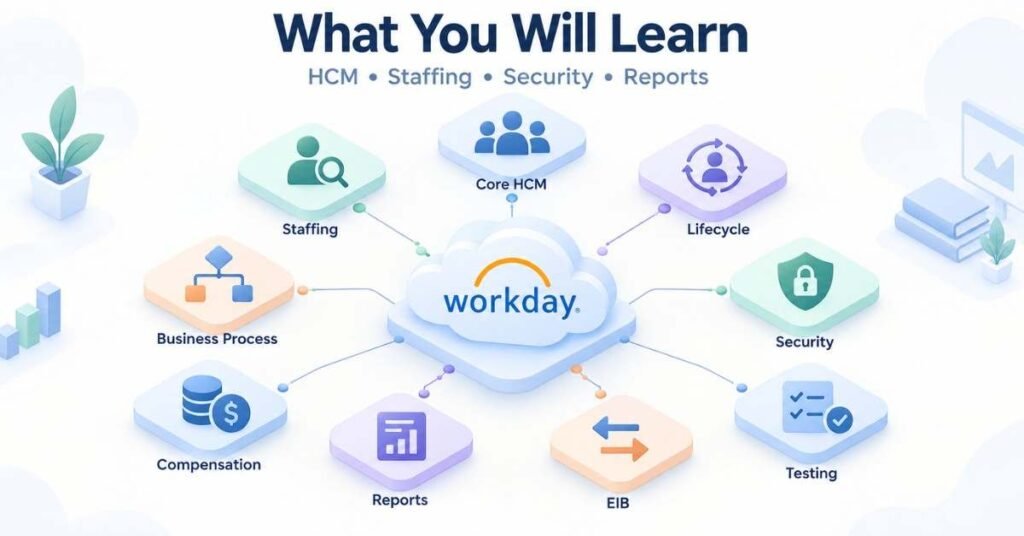
- Workday navigation and terminology
- Supervisory organisations
- Staffing models
- Job profiles and positions
- Employee lifecycle
- Business Process Framework
- Workday security
- Compensation and absence
- Reports and calculated fields
- Enterprise Interface Builder
- Testing and production support
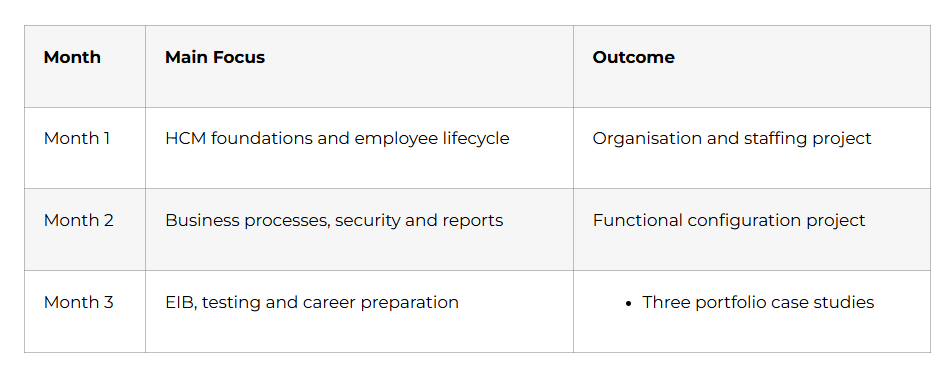
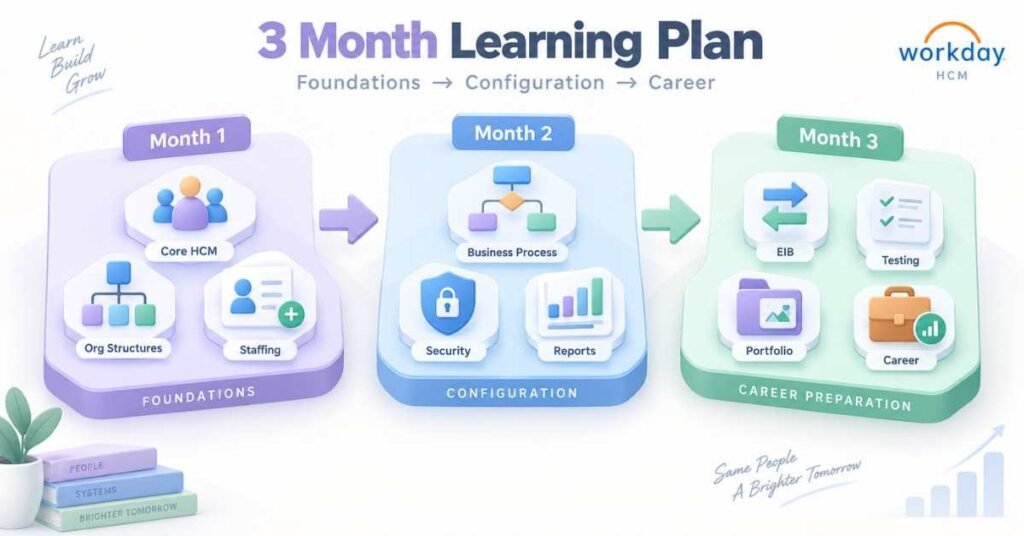
3-Month Learning Structure
Build In-Demand HR Tech Skills – Explore the Workday HCM Course
Month 1: Workday HCM Foundations
Week 1: Workday Basics: Days 1–7
Begin by understanding how Workday supports Human Resource Management. Learn the purpose of Core HCM, Recruiting, Compensation, Benefits, Absence, Talent, Time Tracking and Payroll.
Understand important terms:
- Tenant
- Worker
- Employee
- Contingent worker
- Organisation
- Position
- Job profile
- Business process
- Security group
Practise authorised tenant navigation using Search, Worklets, Inbox, Notifications, Related Actions and Worker Profile.
Week 1 Activity: Prepare a glossary containing 20 Workday terms with simple explanations.
Week 2: Organisations and Staffing: Days 8–14
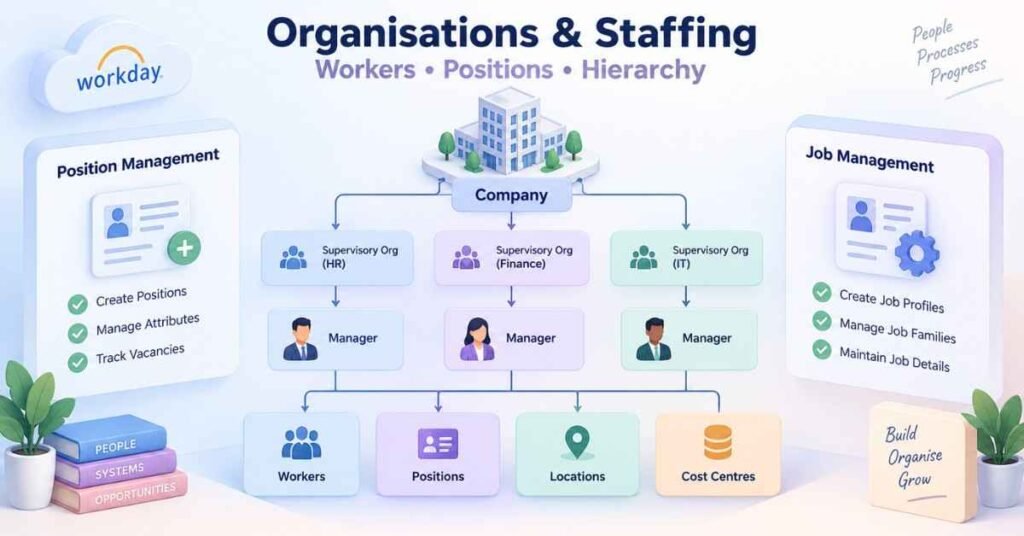
A supervisory organisation groups workers who report to the same manager. It supports management hierarchy, security, staffing, reporting and business-process routing.
Study other organisation types:
- Company
- Cost centre
- Location
- Region
- Custom organisation
Understand the two main staffing models:
- Position Management: Individual positions are created and maintained.
- Job Management: Hiring is managed through job restrictions without creating every position separately.
Week 2 Project: Design a sample company structure containing locations, cost centres, departments and supervisory organisations.
Week 3: Jobs and Workers: Days 15–21
Learn the relationship between job family, job profile, position and worker. A job profile describes the type of work, while a position represents a particular requirement within an organisation.
Study important worker events:
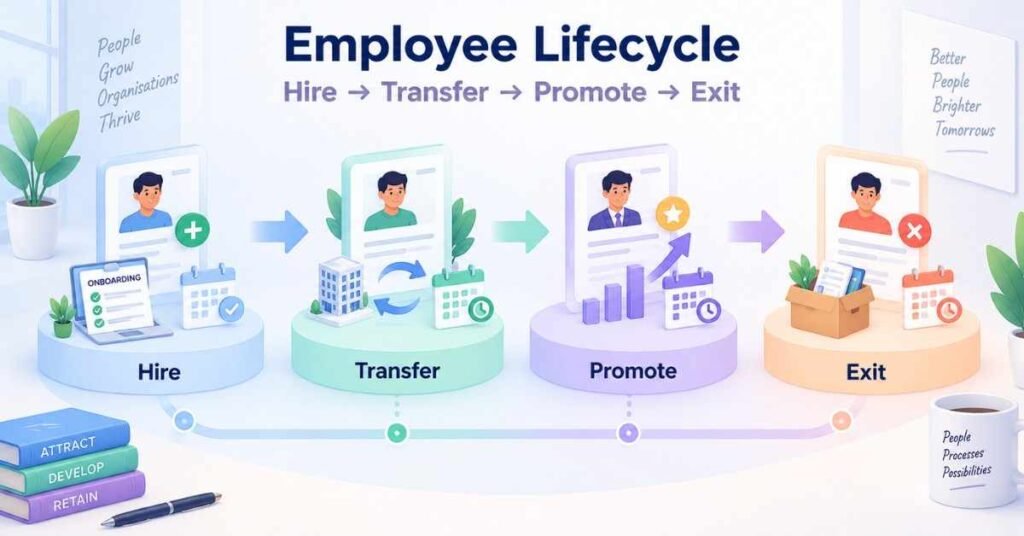
- Hire
- Transfer
- Promotion
- Manager change
- Compensation change
- Termination
- Rehire
Understand the importance of effective dates. A transaction may be entered today but become active on a future date.
Week 3 Project: Document the journey of an employee from pre-hire creation to termination.
Week 4: Core HCM Transactions: Days 22–30
Study the information and approvals required during hiring. A typical process may include position selection, personal details, job information, compensation and onboarding activities.
Learn how transfers, promotions and manager changes can affect organisations, job profiles, locations, cost centres and compensation.
Month 1 Project: Create an organisation structure and document the hire, transfer, promotion and termination processes.
Month 1 Milestone: You understand Workday navigation, organisations, staffing models and common employee transactions.
Discover Roles, Skills & Growth – Explore the Workday HCM Career Guide
Month 2: Business Processes, Security and Reporting
Week 5: Business Process Framework: Days 31–37
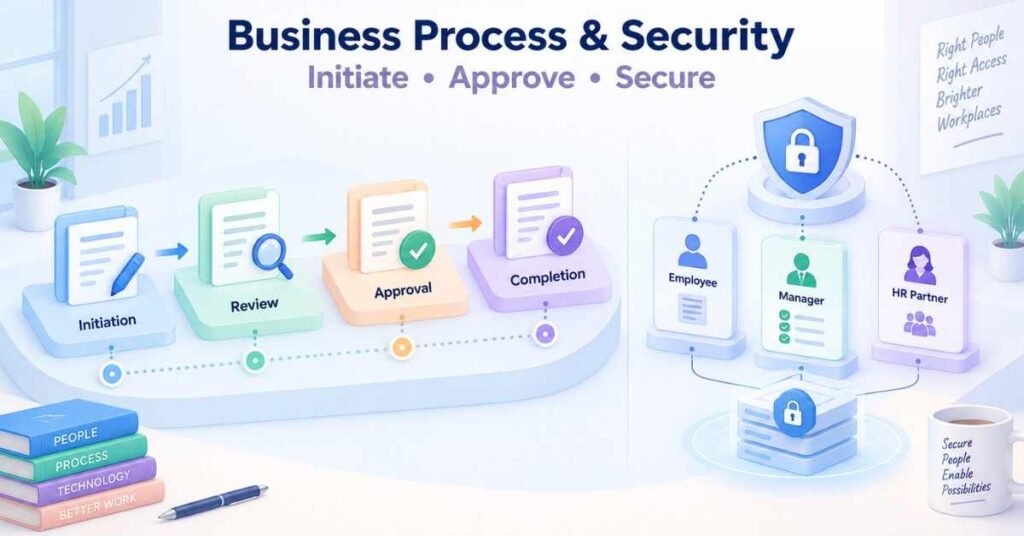
The Business Process Framework controls how Workday transactions move from initiation to completion.
Common steps include:
- Initiation
- Approval
- Review
- To-do
- Notification
- Questionnaire
- Integration
- Validation
Condition rules decide whether a particular step should run. For example, a large compensation change may require an additional approval.
Week 5 Project: Design a hiring business process with HR review, manager approval and onboarding tasks.
Week 6: Workday Security: Days 38–44
Workday security determines who can view information and complete transactions.
Learn:
- Role-based security groups
- User-based security groups
- Job-based security groups
- Domain security policies
- Business-process security policies
Security should follow the principle of least privilege. A user should receive only the access required to perform assigned responsibilities.
Week 6 Project: Prepare a security matrix for Employee, Manager, HR Partner and Compensation Partner roles.
Week 7: Compensation and Absence: Days 45–52
Study compensation packages, grades, salary plans, allowance plans, bonus plans and eligibility rules. Understand how compensation may change during hiring, promotion and transfer.
Learn absence concepts such as time-off plans, balances, accruals, leave requests, approvals and return from leave.
Week 7 Project: Prepare requirements for a leave policy and an employee salary-change process.
Week 8: Reports and Calculated Fields: Days 53–60
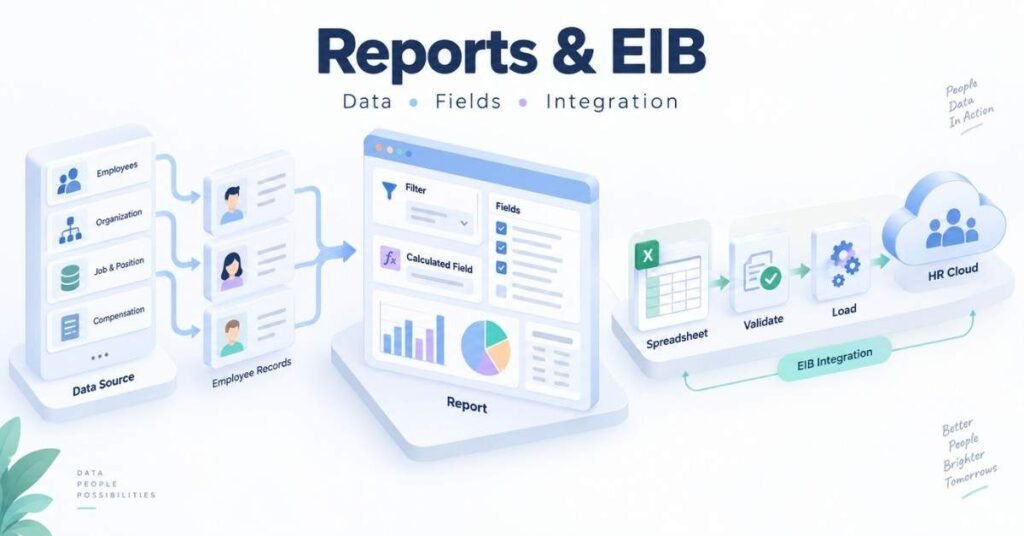
Learn the basic components of a custom report:
- Data source
- Business object
- Fields
- Filters
- Prompts
- Sorting
- Output
Calculated fields can derive or transform information required in reports. Study lookup-related values, true-or-false conditions, text concatenation, arithmetic calculations and evaluated expressions.
Month 2 Project: Prepare a reporting specification for active employees by company, location, organisation and job profile.
Month 2 Milestone: You understand business processes, security, compensation, absence and Workday reporting.
Month 3: Data, Testing and Career Preparation
Week 9: Enterprise Interface Builder: Days 61–67
Enterprise Interface Builder, commonly known as EIB, supports suitable inbound and outbound data requirements.
A basic inbound process includes:
- Identify the business requirement.
- Select the appropriate template.
- Prepare and validate the data.
- Load it in an authorised environment.
- Review errors.
- Correct failed records.
- Confirm the result.
Check for missing values, duplicate records, invalid dates and incorrect reference IDs before loading data.
Week 9 Project: Prepare a fictional worker-data template and validation checklist.
Week 10: Testing and Support: Days 68–74
Learn the purpose of unit, end-to-end, regression, security and User Acceptance Testing.
A test case should contain the scenario, prerequisites, steps, expected result, actual result and status.
When a transaction fails, review security access, effective dates, business-process conditions, worker eligibility and missing configuration.
Week 10 Project: Prepare test cases for hiring, transfer, promotion, absence and termination.
Week 11: Portfolio Development: Days 75–83
Complete three case studies:
Project 1: Organisation and Staffing
Design a company structure containing supervisory organisations, job profiles and positions.
Project 2: Employee Lifecycle
Document hire, transfer, promotion, compensation change and termination processes.
Project 3: Reporting and Data
Prepare a custom-report specification, calculated-field requirements and EIB validation checklist.
Each project should explain the requirement, approach, security impact, test scenarios and expected outcome.
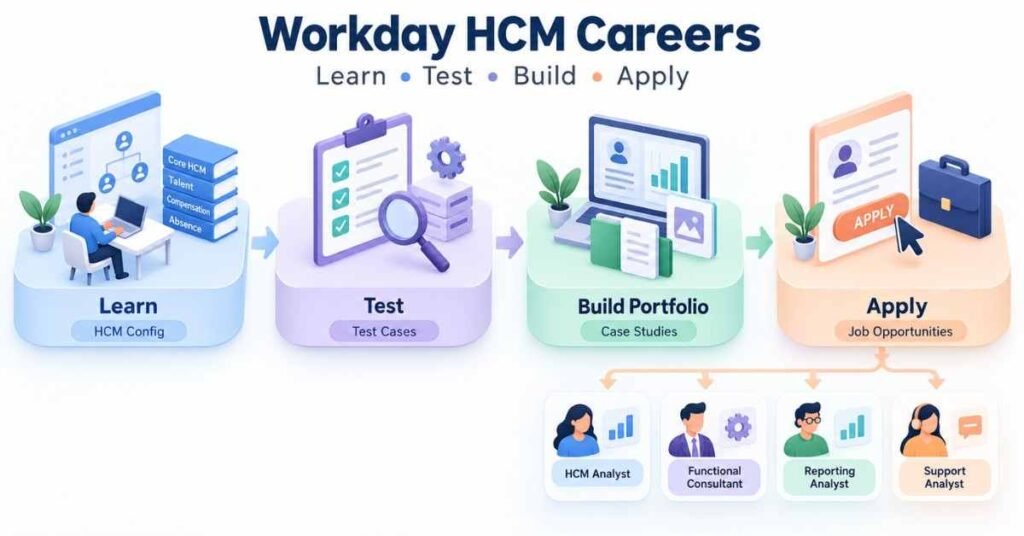
Week 12: Career Preparation: Days 84–90
Add relevant skills to your resume:
- Core HCM
- Organisations and staffing
- Business Process Framework
- Workday security
- Compensation and absence
- Custom reports
- Calculated fields
- EIB
- Functional testing
Prepare for roles such as Workday HCM Analyst, Functional Consultant, Reporting Analyst, Security Analyst and Support Analyst.
Practise explaining one project from requirement gathering through configuration and testing.
Day 90 Milestone: You have functional knowledge of Workday HCM and three structured portfolio case studies.
Prepare with Confidence – Explore the Workday HCM Interview Guide
Why Choose Frontlines Edutech?
A Workday HCM Course in Telugu can make Workday terminology and HR processes easier to understand through Telugu explanations, guided demonstrations and practical scenarios.
The learning path can cover Core HCM, staffing, employee transactions, business processes, security, reporting, EIB, testing and interview preparation.
Frequently Asked Questions
1. What is Workday HCM?
It is a cloud-based platform used to manage employee information and HR processes.
2. Is coding required?
Coding is not compulsory for most Workday HCM functional roles.
3. Can freshers learn Workday?
Yes. Freshers can begin with HR processes and basic Workday terminology.
4. Is HR experience necessary?
It is helpful but not mandatory. Beginners can learn the employee lifecycle first.
5. What is a supervisory organisation?
It groups workers who report to the same manager.
6. What are the main staffing models?
The main models are Position Management and Job Management.
7. What is a business process?
It controls how a transaction moves through approvals and completion.
8. What is EIB?
EIB supports appropriate inbound and outbound data-transfer requirements.
9. Which projects should beginners prepare?
Prepare projects covering organisations, employee lifecycle, reporting, EIB and testing.
10. How does a Workday HCM Course in Telugu help?
It explains Workday concepts through Telugu instruction and practical business examples.